

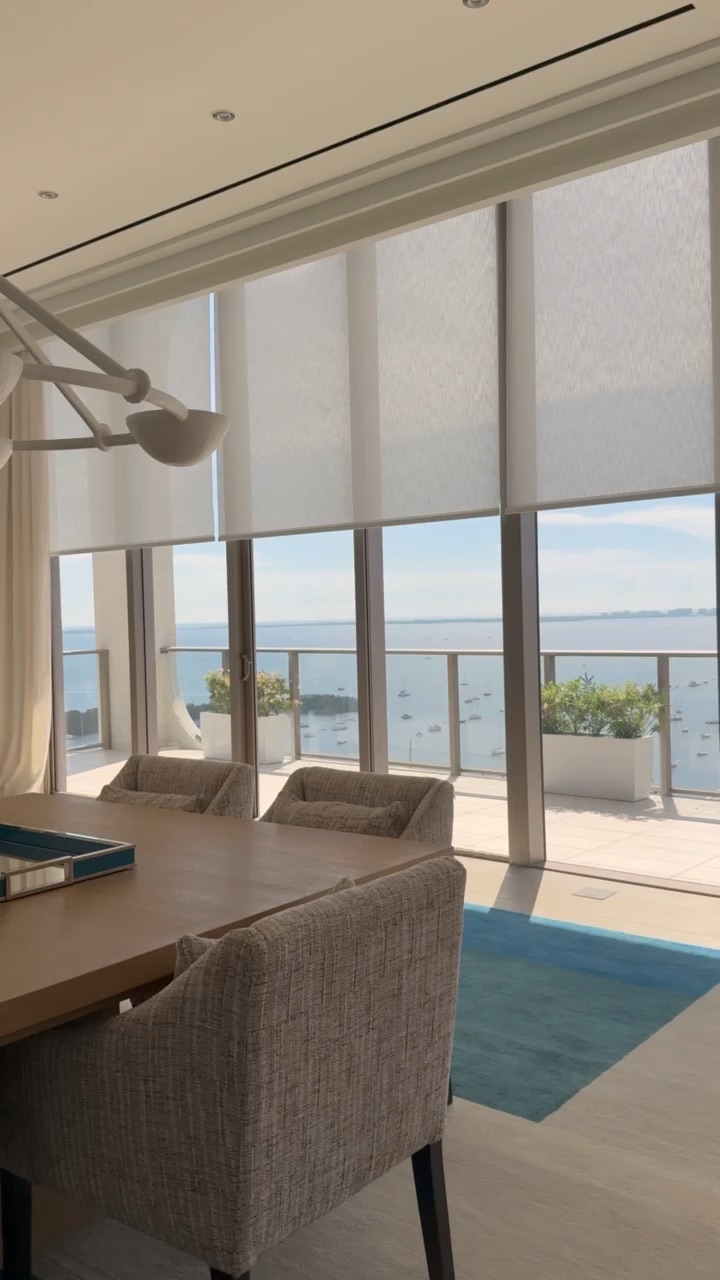
You spent two years building a 9,000-square-foot house on the water. The lighting is Lutron. The audio is McIntosh. And your daughter still can’t hold a FaceTime call in the guest wing.
This is the single most common complaint we hear at ioty, and it almost never has anything to do with the internet service. It has to do with physics, construction methods, and the fact that the router your provider handed you was designed for an apartment.
Why does Wi-Fi get worse in a bigger house?
Because Wi-Fi range is governed by physics, not by price. Higher-frequency bands carry more data but travel shorter distances and pass through solid materials poorly, and a large South Florida home is built almost entirely from the materials that block them best.
Wi-Fi 6E and Wi-Fi 7 deliver their headline speeds on the 6 GHz band: clean, uncongested spectrum, and the shortest-reaching of the three bands. Coverage area for Wi-Fi 6 and Wi-Fi 7 is broadly similar because both operate under the same power limits, but because Wi-Fi 7 leans on 6 GHz to hit peak performance, it generally calls for tighter access point spacing in buildings with solid walls, not looser.
Now add South Florida construction. Poured concrete, CMU block, stucco over metal lath, hurricane-rated laminated impact glass, marble, and wire mesh in the slab all attenuate RF significantly. Published measurements put a cinder block wall around 4 dB of loss and a glass wall with a metal frame around 6 dB, with metal doors and reinforced assemblies well into double digits. Every 3 dB is roughly half your signal power. Stack four or five of those between the router in the office and the primary suite upstairs and there is nothing left to work with.
How many access points does a large home actually need?
A large luxury residence typically needs six to ten access points, and the number is driven by floor plan, wall construction, and device count rather than square footage alone.
Industry sizing guidance puts most large homes in the six-to-ten range, with the real determinants being room geometry, wired backhaul availability, and how many devices are active during the busy hour. A modern luxury home is a dense network environment: phones, tablets, laptops, Sonos zones, Savant touchscreens, Lutron processors, Josh.ai microphones, IP cameras, robot vacuums, treadmills, wine fridges, and a car in the garage that wants a firmware update. It is not unusual for us to count 120 to 200 connected devices in a single residence.
That density is the real failure mode. Dozens of devices compete for airtime on too few radios, and the ones at the edge of coverage drag the whole network down with them.
Is a mesh system good enough for a large home?
For a large or heavily built home, no. Consumer mesh systems relay traffic wirelessly between nodes, which spends the same airtime twice and typically halves usable throughput at every hop.
Mesh is a workaround for houses without structured cabling. Each wireless hop borrows capacity from the same spectrum your devices are trying to use, so a three-hop mesh in a long waterfront home delivers a fraction of what the first node sees. Add concrete between nodes and the backhaul link itself becomes the bottleneck.
The professional answer is a wired backhaul: every access point fed by its own Cat6 or Cat6A run back to a central rack, powered over Ethernet, each one a full-strength entry point to the network instead of a repeater of a weakened one. This is the single biggest difference between a network that works and one that doesn’t, and it is why the conversation belongs in the pre-wire phase of construction.
What does a professionally designed home network look like?
It looks like a rack of purpose-built hardware, ceiling-mounted access points on dedicated cable runs, segmented networks, and remote monitoring, all designed before the drywall goes up.
A typical ioty deployment includes:
A Fortinet FortiGate next-generation firewall as the front door. The FortiGate 90G series brings enterprise capability to a residential-scale appliance: integrated SD-WAN, zero-trust network access enforcement, and live threat services, with multiple WAN interfaces so fiber and a cellular or Starlink backup can fail over automatically.
Managed FortiSwitch PoE switching so every access point, camera, touchscreen, and control processor is powered and monitored from one place. The Secure Access series delivers 90W PoE on selected ports with 10G uplinks, managed directly from the FortiGate.
RUCKUS Wi-Fi 7 access points with wired backhaul, placed by RF design rather than by convenience. The RUCKUS R770 is a tri-band, 8-stream Wi-Fi 7 access point rated for an aggregate 12.22 Gbps, up to 1,024 concurrent clients, and a 10 GbE PoE++ uplink. Its BeamFlex+ adaptive antennas are the reason we favor it in dense concrete construction: the access point shapes its antenna pattern per client in real time, which is exactly the problem a Miami home presents.
VLAN segmentation enforced at the firewall, with control systems, cameras, guest access, and family devices on separate networks, so a compromised smart appliance can’t reach your NAS and a guest streaming 4K can’t starve the Lutron processor.
Proactive remote monitoring, so we see a failing switch port or an ISP outage before you call us.
Is Wi-Fi 7 worth it, or should I wait for Wi-Fi 8?
Wi-Fi 7 is the right choice today. Wi-Fi 8 is not expected to reach final IEEE approval until 2028, with certification targeted for early that year, and its stated priority is reliability improvements rather than a new speed ceiling.
Wi-Fi 7’s most meaningful upgrade for a busy home is Multi-Link Operation, which lets a device use multiple bands simultaneously instead of picking one and hoping. In Cisco’s published measurements, a Wi-Fi 7 client using MLO improved latency from 145 ms to 18 ms versus a single-link Wi-Fi 6 client on a network at 70% load. That is the difference between a video call that holds and one that stutters.
Waiting two years for Wi-Fi 8 while your house doesn’t work is a poor trade. A properly cabled home has Cat6A to every access point location anyway, so upgrading the access points later is a straightforward swap, not a renovation.
Frequently asked questions
Why is my Wi-Fi slow even though I pay for gigabit internet?
Your internet speed is the pipe into the house; Wi-Fi is the distribution inside it. A gigabit fiber circuit terminating in a single consumer router will still leave weak coverage in the distant rooms of a concrete home. The bottleneck is almost always the in-home network, not the ISP. ioty, a home technology integrator based in Doral, Miami, designs and installs whole-home networks across South Florida.
How many access points does a 10,000 sq ft home need?
Typically six to ten. The correct number comes from a floor plan review that accounts for wall construction, ceiling heights, outdoor coverage, and device count rather than square footage alone.
Can I add access points to my existing home without opening walls?
Usually yes. Attic and crawl space access, existing conduit, closet chases, and in some cases fiber or MoCA over existing coax let us add cabled access point locations with minimal disruption. We assess this on a walkthrough before proposing anything.
Do I need a separate network for my smart home devices?
Yes. Segmenting control systems, cameras, and IoT devices onto their own VLANs improves both security and reliability, and keeps guest streaming from competing with your lighting and shade control traffic.
When should I involve a network integrator in new construction?
At the pre-wire stage, alongside your architect and electrician, before the drywall goes up. Cabling is inexpensive during construction and expensive afterward.
Where can I experience a professionally designed home network in person?
In our Doral showroom, which runs on the same network architecture we install in clients’ homes, underneath live lighting, shading, audio, and video systems. Appointments recommended.
The best network is the one you never think about.
Your lighting, shades, audio, video, cameras, and climate control all ride on the same network, and when it is designed properly it disappears into the background of the house. Planning a build or renovation? Contact ioty and we’ll put the network in the drawings before the drywall closes.