

Holiday guests should be able to turn on the lights, start the music and find their way at night without a lesson on the system. In a Savant home, three settings make that possible: a guest account with the right access, a scene guests can run with one tap, and music they can play from their own phone. The best time to set them up is a week before anyone arrives, so there is time to test each one.
The steps below follow Savant’s own user guides for the Savant app. The way your home was programmed decides which options appear, and our team can help with any of them.
How do I give a guest access to my Savant home?
Savant has three account types for the people who use a home: Admin, Household and Guest. A Guest account can use rooms and services, and an Admin can limit it to the rooms and services you choose, for example the guest suite and the living areas, without the primary suite. Savant lists access from outside the home for Admin and Household accounts. It does not list that access for Guest accounts.
To invite a guest, an Admin opens Settings in the Savant app, selects Users and taps the plus icon. Choose the Guest account type, enter the guest’s email address and tap Send Invite. Savant sends the guest a Welcome to Savant email with a link, and the guest signs in with that address. An Admin can change a user’s permissions at any time, and an Admin with Home Management permissions can remove the guest after the visit.
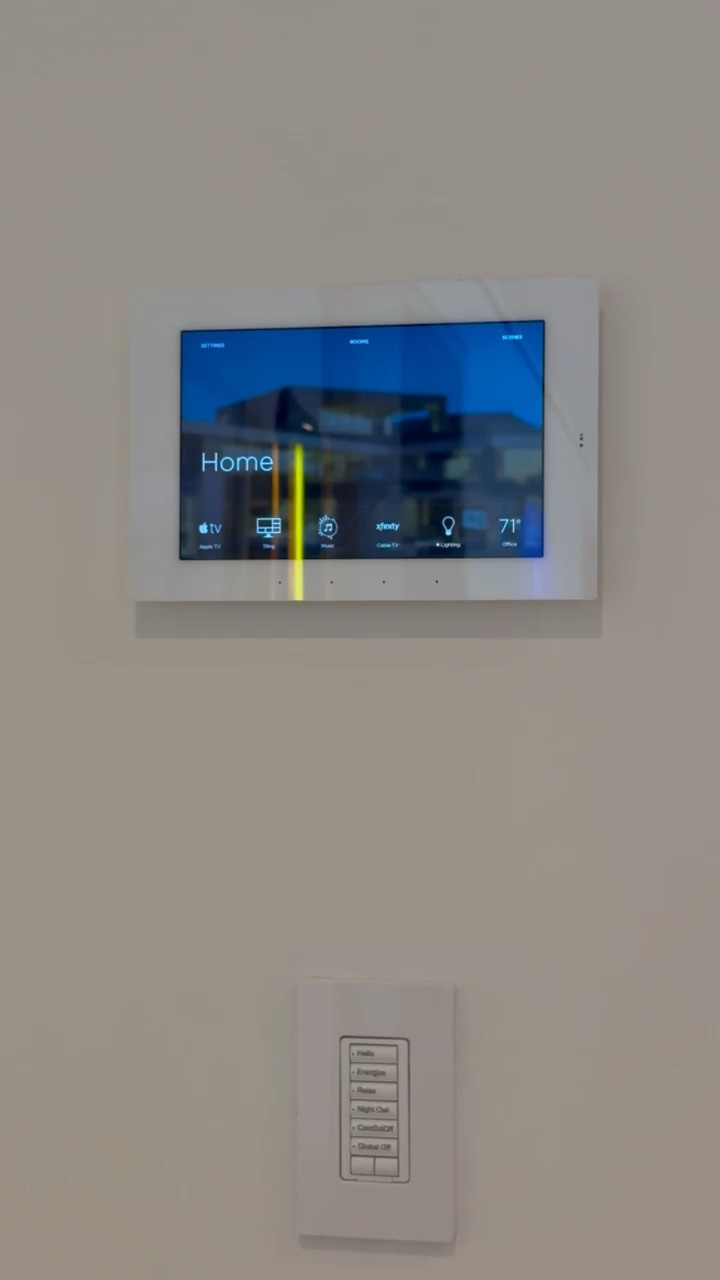
Some guests would rather not create an account. For them, your integrator can add a local user to the system configuration. Savant notes that local users are often set up for guest access or for Savant Touch panels. A local user needs no email verification and can have a password, and the guest connects to it from the home’s own network. Ask our team if you want one added before the holidays.
Which scenes should I set up for guests?
A Savant scene is a set of device settings and services that runs with one tap, a button press or a schedule. The quickest way to make one is Capture Scene: set the rooms the way you want them, capture them in the app, and adjust any service before you save. A scene is visible to guests only when it is shared. When you name the scene, turn on the option to share it with all users, and choose whether it shows on Savant Pro Remotes and touch panels.
Two scenes are a good start. An arrival scene sets the entry, the living areas and the guest room for the evening. A night scene leaves a soft path of light from the guest room to the kitchen. Savant can also run a scene at a set time or relative to celestial time with an offset you choose, and the scene timer can start a scene after a delay of 5 seconds to 5 hours.
Savant does not include some services in scenes, among them entry door locks, pool and spa, gate and garage door controllers, and shades with only up, down and stop control. Those keep their own controls in the app.
How can guests play their own music?
If your home has Savant Music, guests can play from their own phone with AirPlay or Spotify Connect, through the Savant Music server. AirPlay is turned on first in the Savant Music settings. Default Rooms then decide where the music plays: the rooms you pick turn on by themselves, at the volume you set, when AirPlay or Spotify Connect starts. A guest does not need to open the Savant app. You choose them in the Savant app under Settings, Audio Settings, Default Rooms.
A playlist or a favorite can also go into a scene, so the arrival scene can start the music with the lights.
What should I check a week before guests arrive?
- Invite each guest with a Guest account, or ask us to add a local user.
- Limit each guest account to the rooms and services your guests will use.
- Create an arrival scene and a night scene, share them with all users, and show them on the remotes and touch panels.
- Set the Default Rooms and their volume for AirPlay and Spotify Connect.
- Run each scene from the remote or touch panel in the guest room.
- Remove the guest accounts when the visit ends.
Frequently asked questions
Can a guest use my Savant system without my password?
Yes. An Admin can invite the guest with a Guest account from Settings, then Users, in the Savant app, and the guest signs in with their own email address. ioty, a home technology integrator based in Doral, Miami, can also add a local user to the system configuration for guests who would rather not create an account.
Can a guest control my home from outside the house?
In Savant’s account types, Admin and Household accounts include remote access from outside the home. The Guest type lists access to rooms and services, and an Admin can limit which rooms and services a guest can use.
Can a Savant scene unlock the front door for guests?
No. Savant lists entry door locks among the services that scenes do not include. Pool and spa, gate and garage door controllers, and shades with only up, down and stop control are on the same list.
Can guests play music from their own phones?
If the home has Savant Music with AirPlay turned on, guests can play from their phone with AirPlay or Spotify Connect. The Default Rooms you choose turn on by themselves when the music starts, at the volume you set.
How do I remove a guest after the holidays?
An Admin with Home Management permissions can remove the guest in the Savant app, under Settings, then Users. We suggest doing it on the day your guests leave.
If you want guest access, scenes and music ready before the holidays, call our team at 305-507-7402 or request support. Our Savant tutorials walk through the app if you would rather set it up yourself.